
01
Build your scene.
Arrange characters, objects and environments. Your library brings together each project's resources.
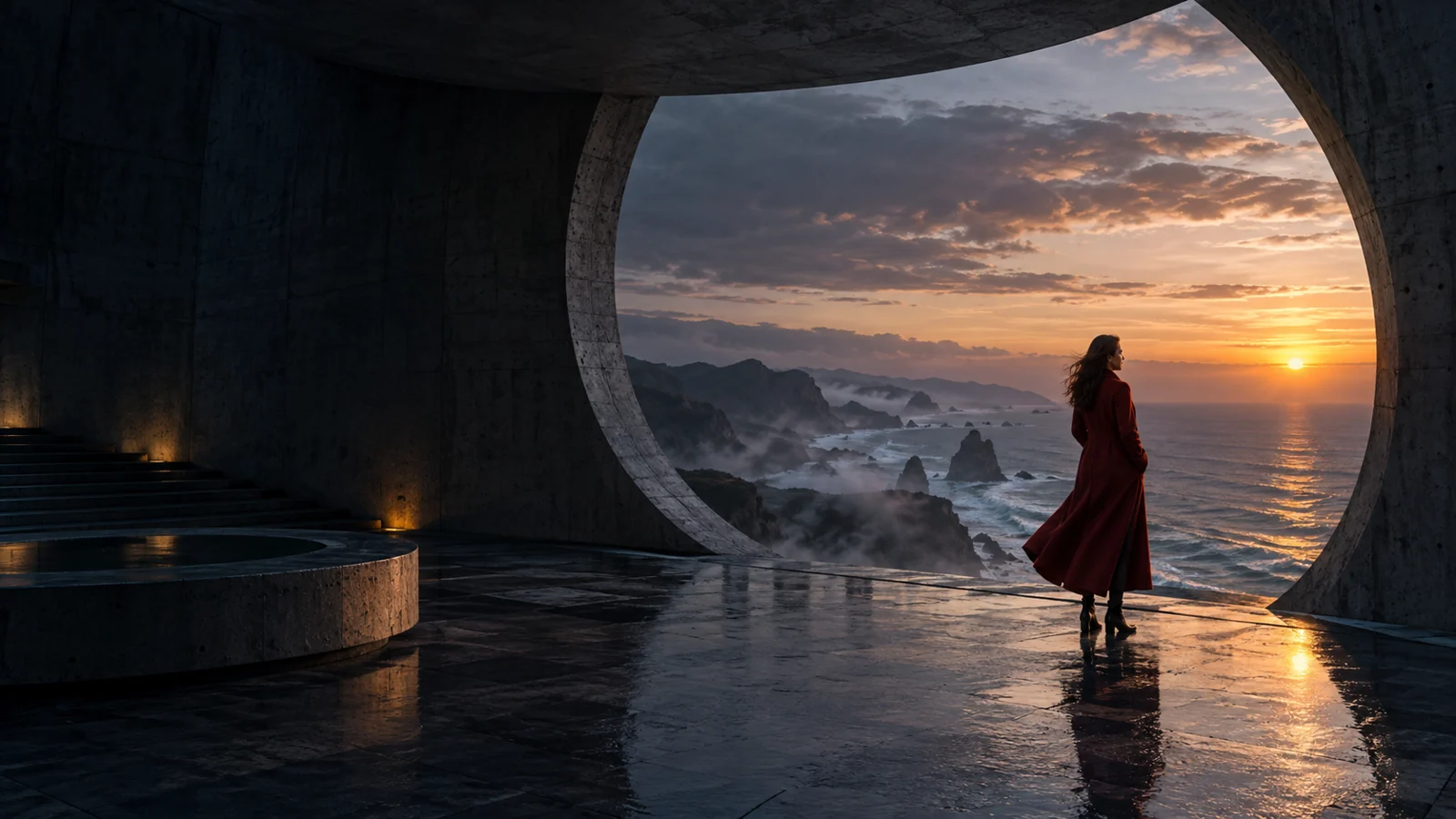
YOUR IMAGINATION. YOUR DIRECTION.
The camera, the characters, the light.
Build your scene in 3D and turn it into an AI image. The first frame of your next video starts here.
FROM 3D SPACE TO AI IMAGE
Stop trying to explain everything with words. Choose the composition and use your 3D frame as a visual guide for generation.
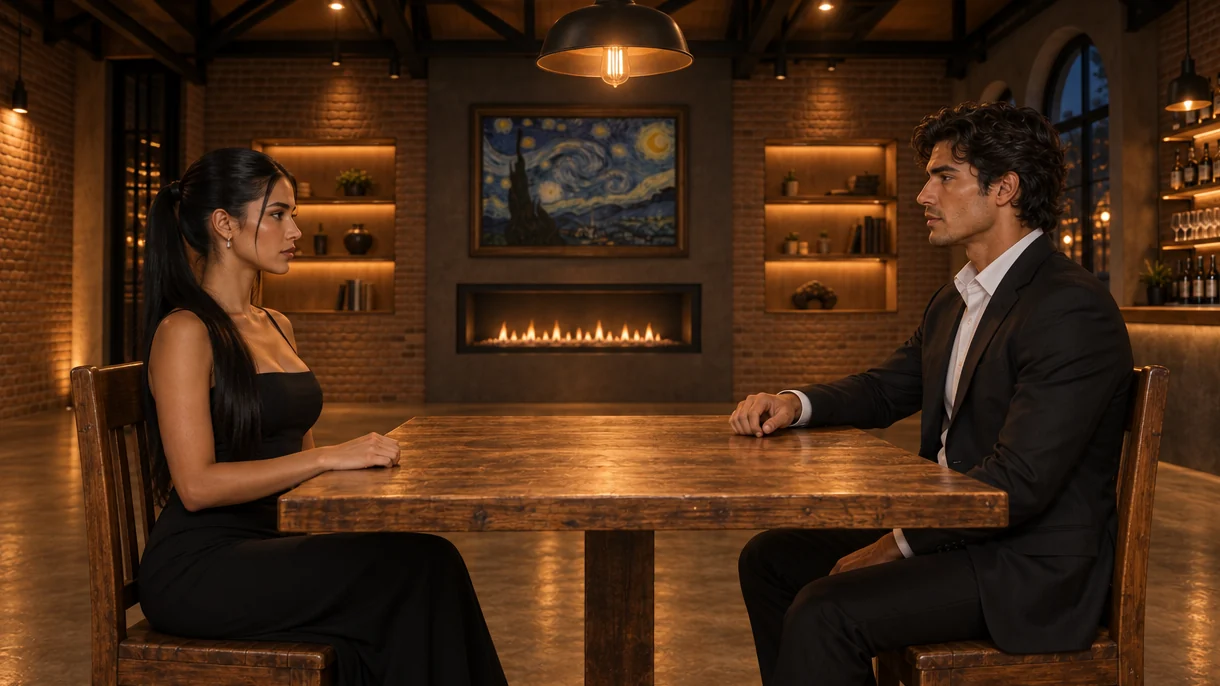
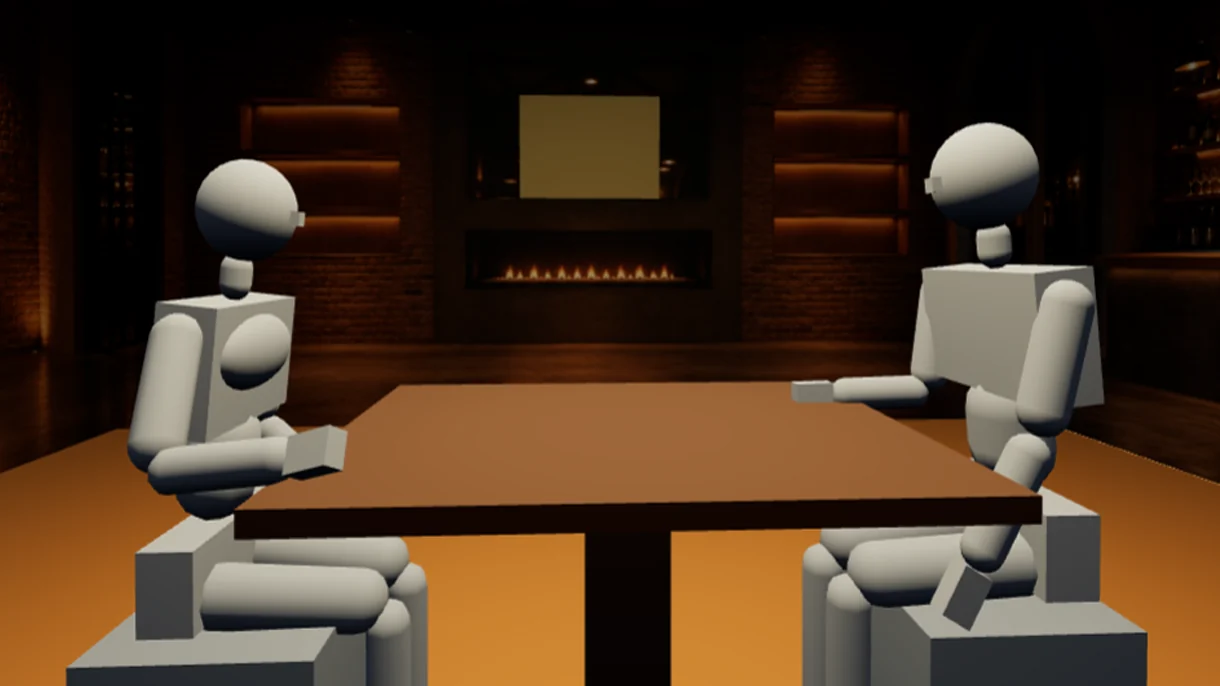
Drag to compare. You can also use the arrow keys.
Place the mannequins face to face, set their poses and arrange the table and surroundings. This setup guides the image generation with your characters and chosen style.
FrameCreator scenes and results. Composition and references guide the AI; each generation may introduce variations.
INSIDE FRAMECREATOR
Characters, objects, cameras and lights in a space you can explore and arrange. This is what working in the app looks like.
YOUR SCENE, YOUR DECISIONS
Set up exteriors and action scenes in 3D space. Decide where everything happens before looking for the shot.
CHARACTER CONSISTENCY
A character sheet brings together different angles of the face, body, wardrobe and details that define your main character.
Add a sheet you already have or generate one in the app. Save it to the library and use it as a reference in your scenes.
Link the library character to its mannequin. Reuse the sheet when changing the camera, pose or setting to guide their appearance across images.
YOUR VISUAL WORLD, ORGANIZED
Bring together characters, objects, environments, enclosed spaces, wardrobe and 3D models. Reuse your resources to prepare new shots without defining everything again.
References help maintain consistency. Review features, wardrobe and details in each result.
FROM INTENTION TO IMAGE
A prompt cannot capture everything. That is why you start with a space where you can compose your scene.
Arrange characters, objects and environments. Your library brings together each project's resources.
Position the cameras, choose your framing and adjust the light. Composition is your starting point.
Add the style and any remaining instructions. Generate, review and keep the images that work for you.
Designed to create images and develop audiovisual ideas. It does not generate videos.
A WAY TO CREATE FOR EVERYONE
Start with 3 free images or choose your monthly plan. Review the amount and terms before confirming payment.
FRAMECREATOR
Create your free account and start using FrameCreator at no cost.
FRAMECREATOR
US$5 / month
Already have an OpenAI API key?
Use it in FrameCreator to generate images. You pay monthly for Starter, and OpenAI bills you separately based on your usage.
Need a key? Create your API key on OpenAI.
FRAMECREATOR
US$20 / month
Focus on creating. FrameCreator takes care of the rest.
Approximate equivalent
FRAMECREATOR
For work that needs more generations.
THE NEXT SHOT IS YOURS
Create a free account and start using FrameCreator at no cost
Once you use them, you keep the 3D editor. Choose a plan to keep generating with AI.FROM IDEA TO FIRST FRAME