
FROM COMPOSITION TO IMAGE
Give your next frame a direction.
Learn how to compose a 3D scene, choose cameras and lights, and generate an AI frame with character references in FrameCreator.
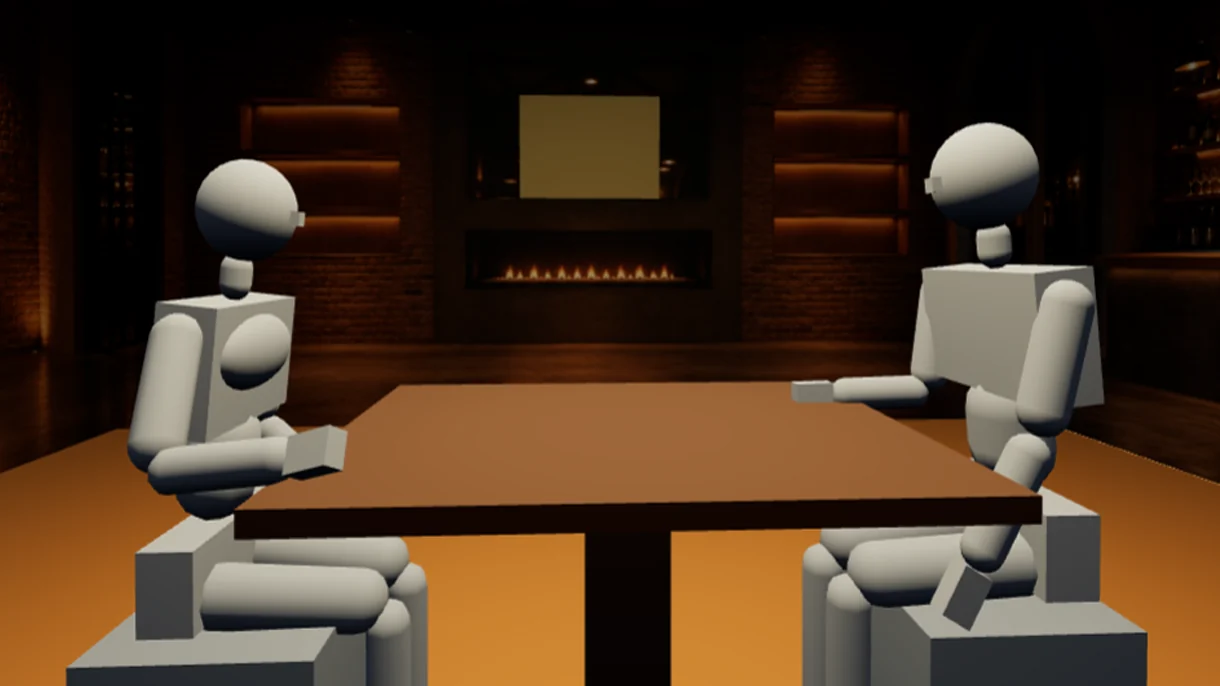
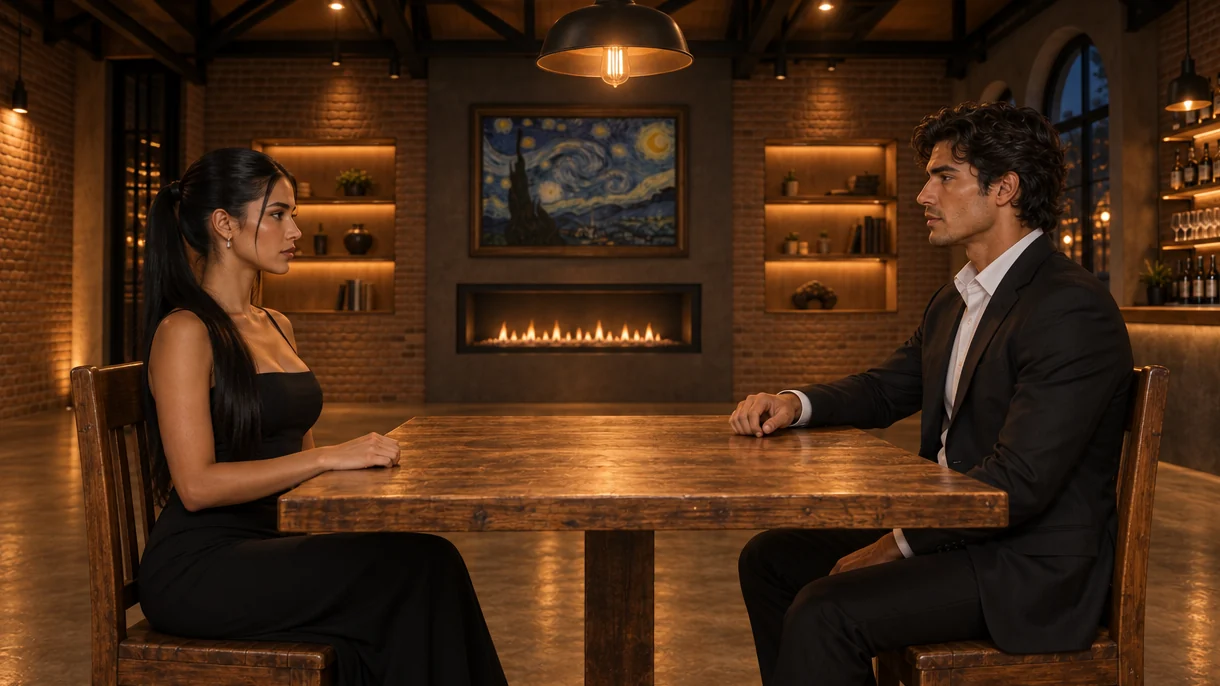
Build the composition
Create a project and arrange characters and objects in 3D space. For a conversation, for example, place two mannequins facing each other and check their spacing before choosing a shot.
Choose a point of view
Position the camera, adjust its orientation and framing, and compare a wide shot with a close or over-the-shoulder shot. The 3D composition guides the image you will generate.
Prepare lighting and references
Adjust lights and link library references to your characters. Upload or create a character sheet to guide features and wardrobe across shots. Only use materials you have the right to share.
Generate and review
Add the style and remaining instructions. Check the displayed usage before generating, then review composition, hands, face and clothing. Regeneration uses your allowance; references do not guarantee an exact reproduction.
Keep useful results
Save or download images that suit your work. Use them as photography, advertising or audiovisual previsualization references. Video creation, if needed, takes place in another tool.
YOUR NEXT STEP
Explore it in your own scene.
Start with the free trial or compare the plans for your workflow.